Assets and inventory
The targets you scan, and what Interopt knows about them.
An asset is anything Interopt scans: a web app, an API, or a repository.
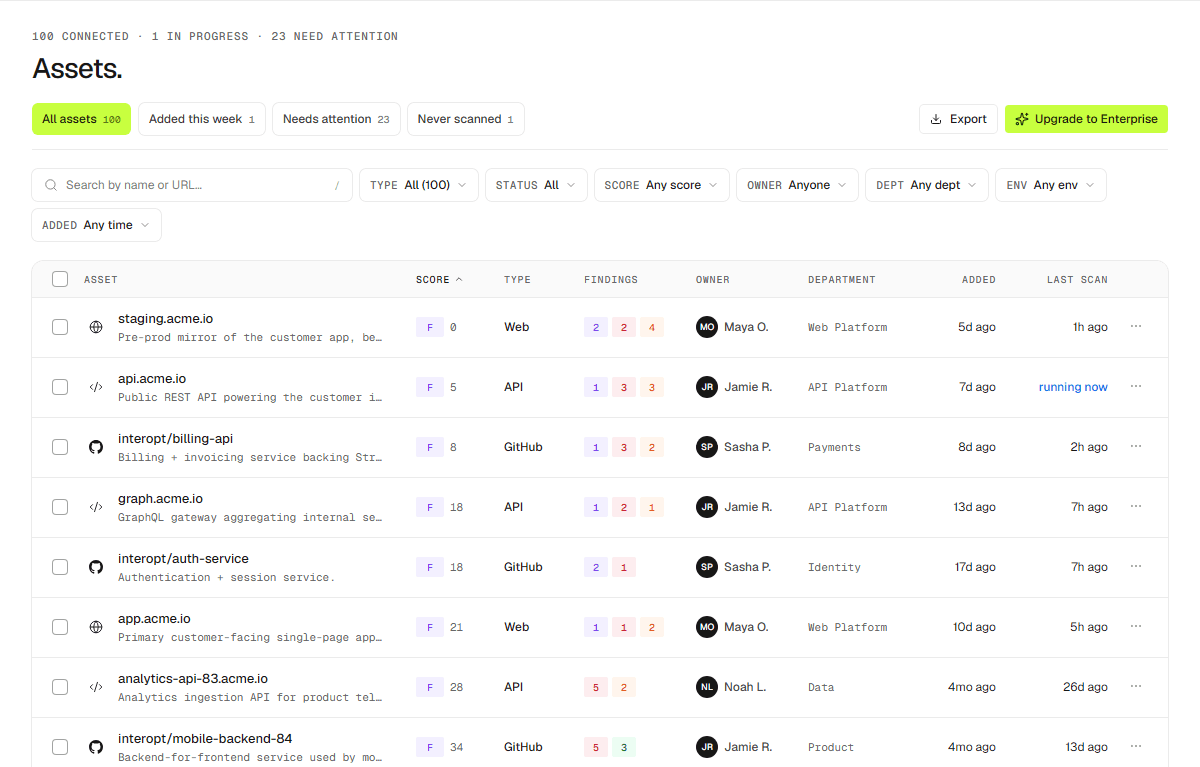
The asset list
Each asset shows its owner, department, environment, tags, and a health grade, with views for recently added, needs attention, and never scanned. Browse them in Dashboard → Assets.
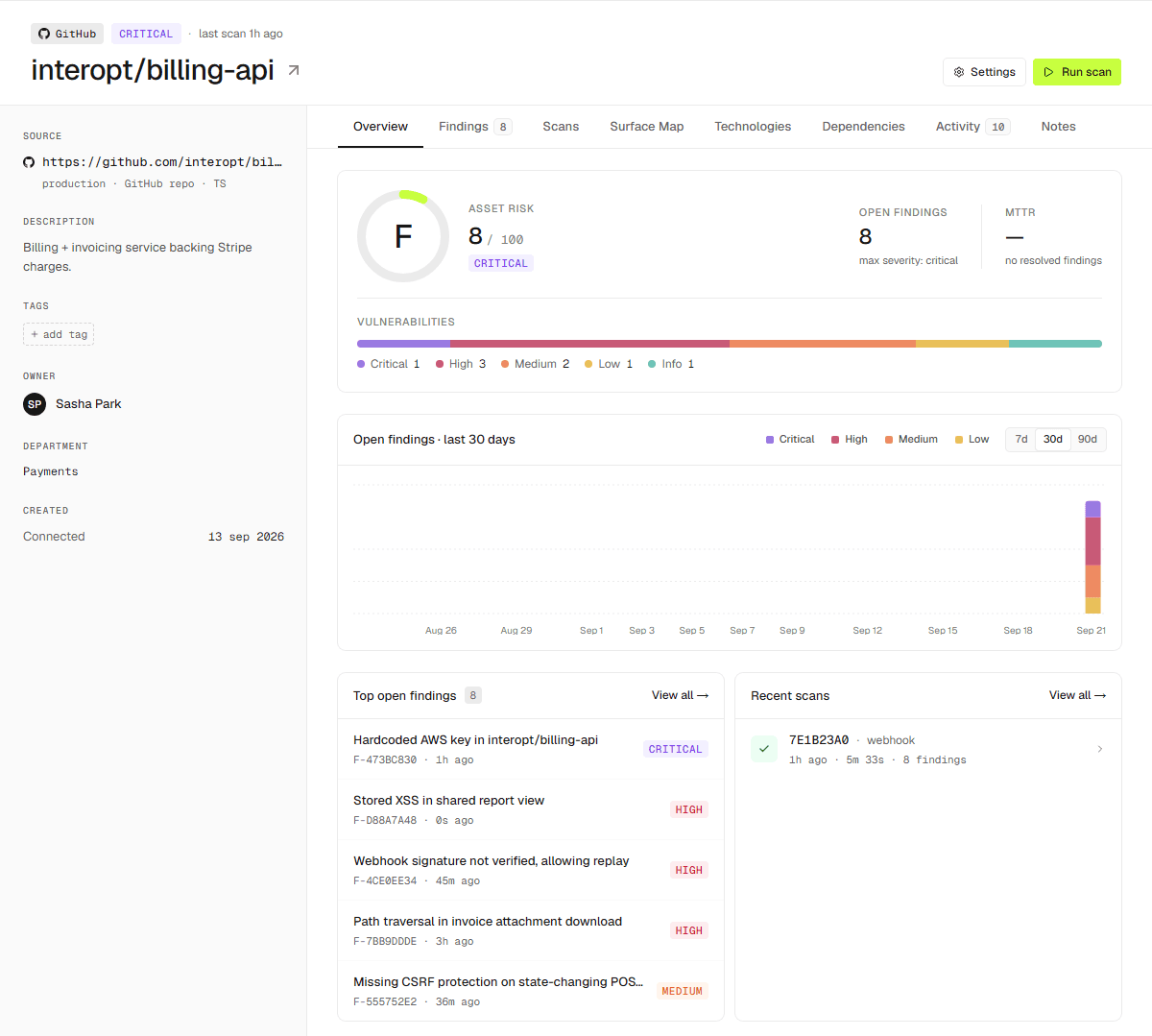
On an asset
- Overview — the essentials at a glance.
- Findings — issues proved against this target.
- Scans — every run, with its results.
- Surface — what scans have reached.
- Technologies — what the asset is built with; see below.
- Dependencies — packages this asset resolves.
- Notes and Activity — context and history.
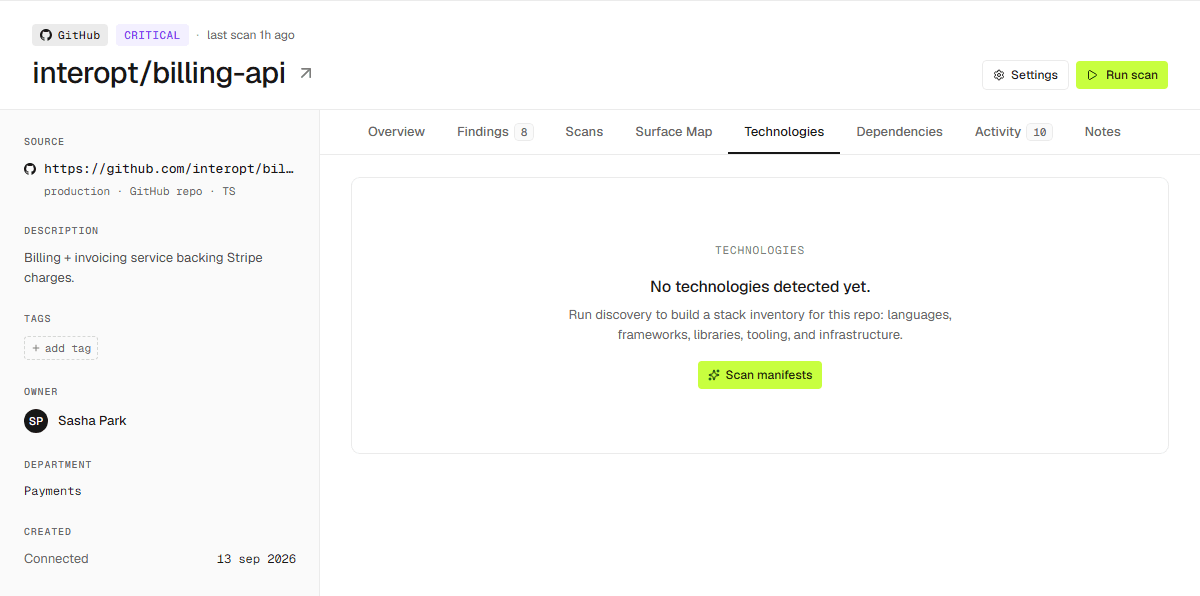
Technologies
The Technologies tab lists what the asset is built with, resolved from the repository: languages, frameworks, data stores, infrastructure, package managers, and more.