Getting started
Connect a repository
Authorize a code host so Interopt can scan your source.
White-box scans read source from a code host. Black-box and grey-box scans run against a URL and do not need one.
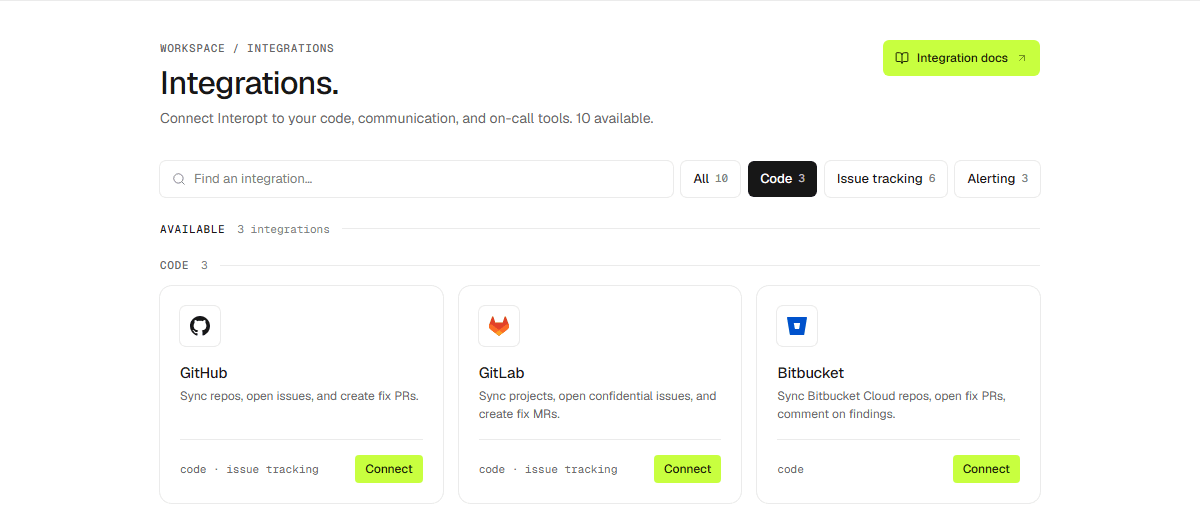
Supported code hosts
- GitHub
- GitLab
- Bitbucket
Steps
Open Settings → Integrations and pick your code host.
Authorize Interopt.
Select the repositories Interopt may scan.