
Integrations
Alerts
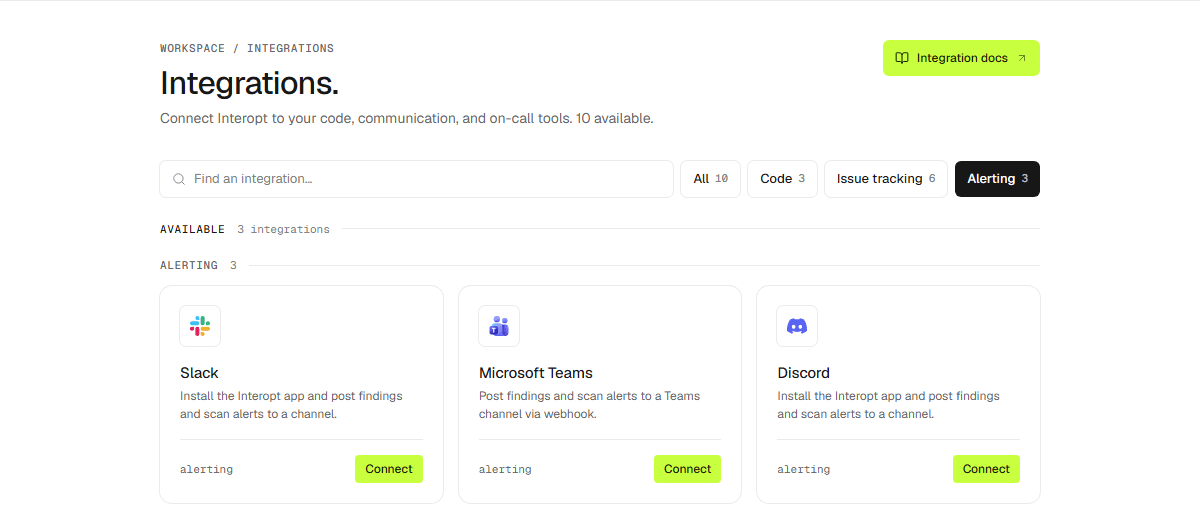
Slack, Microsoft Teams, and Discord.
Send scan and finding alerts to a chat channel. Add a channel from Settings → Integrations, then choose which events go to it in Settings → Notifications.
Slack and Discord
Install the Interopt app and pick a channel on the consent screen. Each install
connects one channel, so run it again to add #security, #ops, and so on.
Microsoft Teams
In the Teams channel, open Workflows and create Post to a channel when a webhook request is received. Paste the webhook URL it gives you into Interopt.
Routing
Each notification event can go to any number of channels. Pick the events worth interrupting people for; the rest can stay on email and in-app. See Notifications.
Disconnecting
- Discord — Interopt deletes its webhooks and removes every channel.
- Teams — Interopt clears the stored webhooks. Delete the workflow in Teams to retire it there.
Messages already posted stay in the channel.
Webhook URLs are stored encrypted.