Results
Results
Read what a scan did and what it covered.
Open any run from Dashboard → Scans. Each scan has its own page with tabs for Overview, Findings, Surface Map, Scanner, and Diff.
Coverage
How much of a target a scan reached, and how depth buys recall.
Live session
Watch a scan as it runs, then replay it.
Execution graph
The containers a scan ran, how they connect, and where time went.
Scan diff
Compare two scans to see what changed.
Surface map
What the scan reached, at asset and scan level.
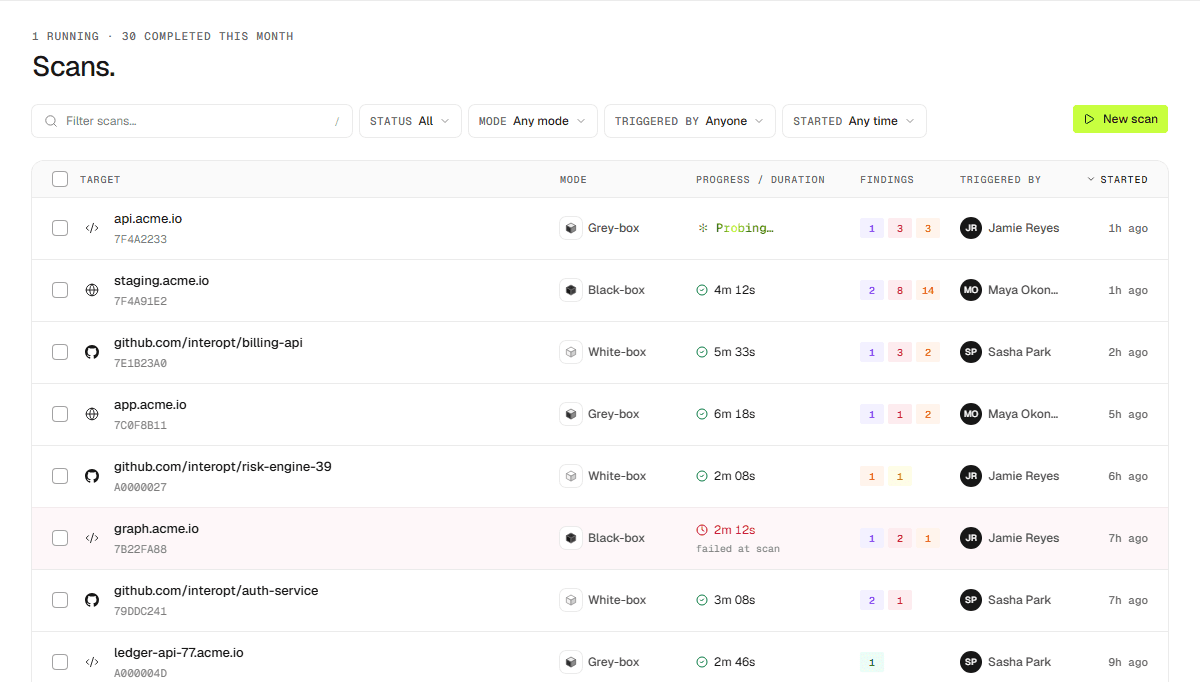
The Scans list
The Scans list shows every run and how far through it is.