Workspace
Members and roles
Invite people, assign roles, and manage seats.
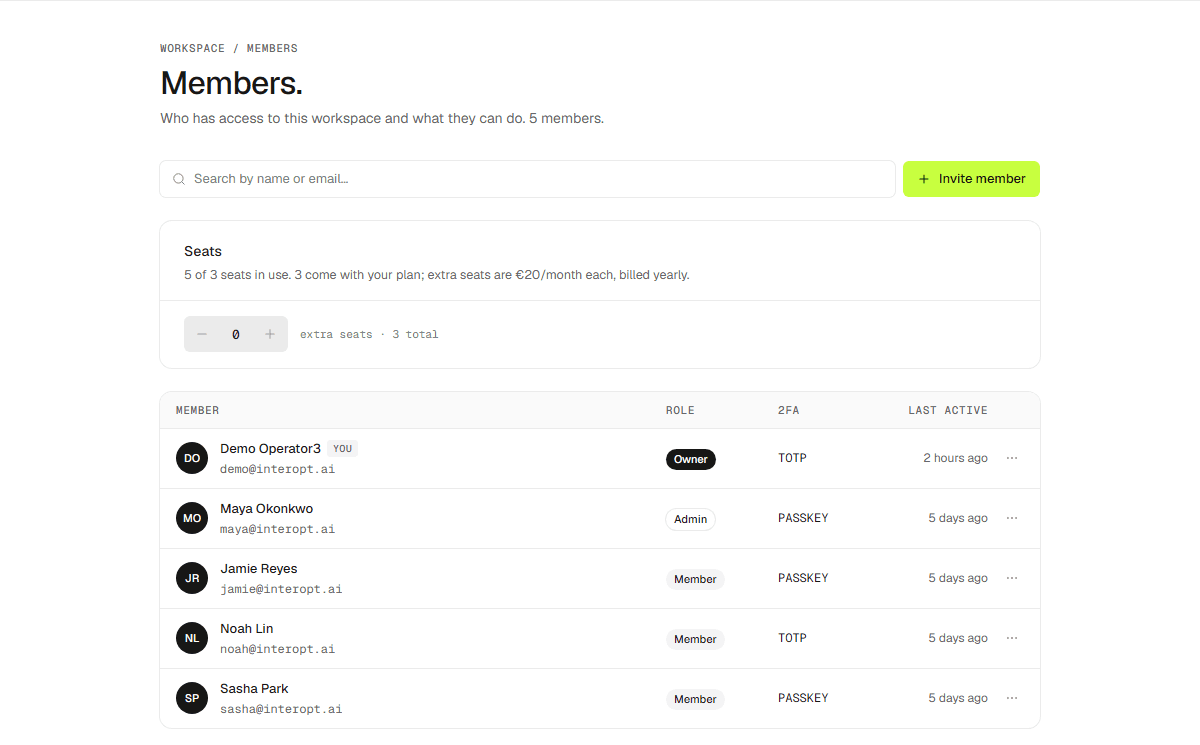
Settings → Members lists everyone in the workspace with their role, seat, two-factor status, and when they were last active.
Roles
Owner, admin, member, and read-only. See Invite your team for what each one can do.
Managing members
Resend or cancel a pending invite, change a role, or remove someone. Seats are tied to your plan.