Running a scan
Running a scan
Configure a target, start a scan, and watch it run.
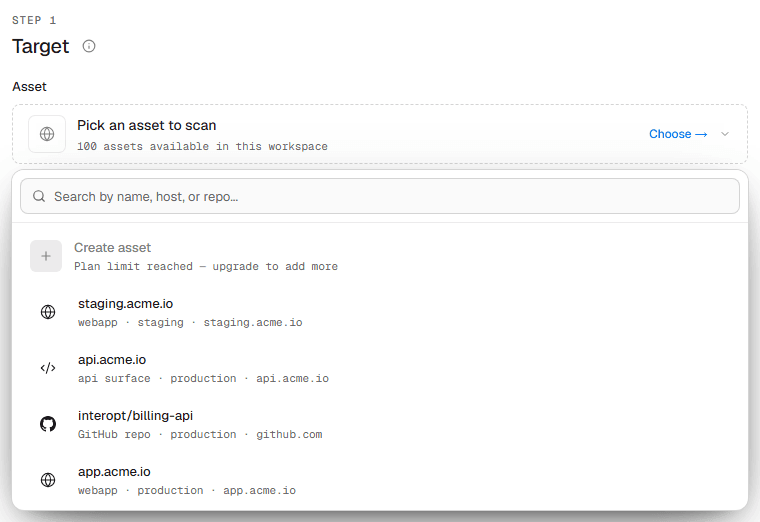
A scan starts from Dashboard → Scans → New scan. You choose an asset, a mode, and how much access to grant.
Configure a scan
Scope, access, source roles, depth, and safety.
Authenticated testing
Credentials, environment variables, and context the agent can use.
Safety limits
What a scan is allowed to do to the target, and who says so.
Scanner IP addresses
Let scanner traffic through your firewall, WAF, and rate limits.
Scheduling
Run now, later, on a cadence, or on every deploy.
Live session
What happens while a scan runs.
What it looks like
The New scan form starts by picking the asset to scan, then configures the run against it.